
Your network. Your permissions.
Connect with
clear boundaries.
A network for your people, applications and services.
Publish reviewed Pages, exchange encrypted messages and connect approved applications. HyperNet gives each network control over membership, permissions and the services it shares.
Open source. Core and Suite 0.9.0 for Linux.
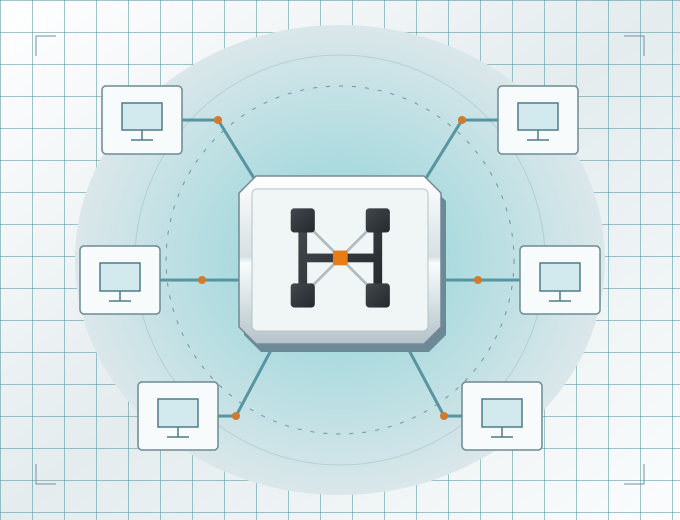
One system, two components
Use a network. Or operate your own.
Start with the tools you need. Reading a Page does not require running a host or an authority replica.
01 / THE INFRASTRUCTURE
HyperNet Core
Operate the authority, hosting services and local runtime. Set permissions, admit services, allocate resources and retain the records needed for recovery.
Explore the Core manuals →02 / THE EVERYDAY TOOLS
HyperNet Suite
Use native Browser, Mail and Transfers windows, a terminal viewer and command-line tools. Build application integrations with the companion and Python SDK.
Explore the Suite manuals →Built for useful connections
Publish, communicate and share.
Reviewed Pages
Create publications with layouts, images and forms. Exact revisions are reviewed; Pages contain no scripts.
Authoring guide →Private exchanges
Exchange encrypted mail, publish sealed content and offer files for a recipient to accept.
Communication tools →Application streams
Connect approved application services through relay-only duplex streams with separate identities and scoped permissions.
Integration guide →Selected catalogues
Search an approved network catalogue or an explicitly retained local catalogue. Local queries stay local.
Pages and discovery →Host control
Choose the services, resources and exposure you offer. A host can withdraw without waiting for a quorum.
Hosting guide →Agreed publication sharing
Share selected Pages between networks through explicit agreements, author opt-in and destination review.
Federation explained →New in 0.9
A connection your application can use.
The application-stream interface makes HyperNet's networking available to other software. A local companion and Python SDK connect clients to admitted services through a scoped route.
Request a connection
An application uses its own identity and an approved grant through the local companion.
Use the admitted route
The connection travels through HyperNet's relay with authenticated peers and finite limits.
Apply local authority
The destination application keeps control of its own operations, data and access decisions.
FICC uses these interfaces to connect clusters, share selected inference services and transfer verified model files. The same stream API is available to other applications.
For individuals and organisations
Start with the work you want to do.
A private group
Share reviewed information and exchange messages in a network with explicit membership.
A team or organisation
Publish internal resources, approve services and give applications the access needed for their role.
An application developer
Connect a service or agent through the SDK while keeping its operations and permissions explicit.
Know the boundaries
Trust is part of the setup.
Membership, hosting, publication review and application access are separate permissions. Network setup requires accepted trust, current authority and admitted routes; installing a binary does not create those decisions.
Relay privacy depends on the deployment and operator relationships. Native file transfers and application streams have different limits. The manuals explain both before you choose a configuration.
Read the security model →